[BITLOCKER] – How to re-lock without a restart
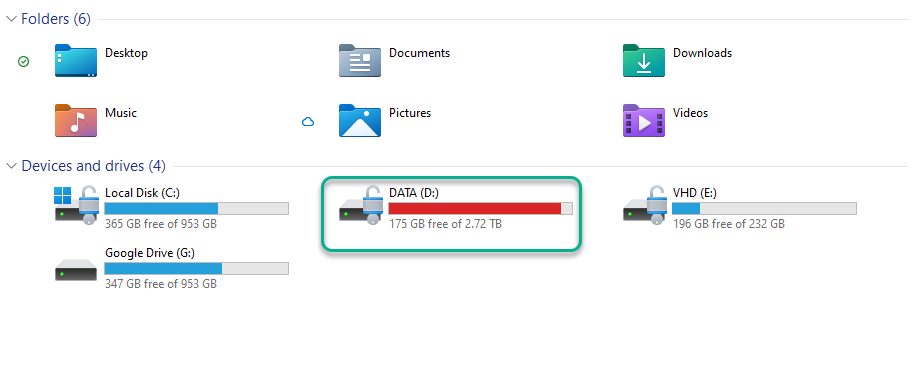
First, get the letter of the drive you want to lock. In my case will be letter D:
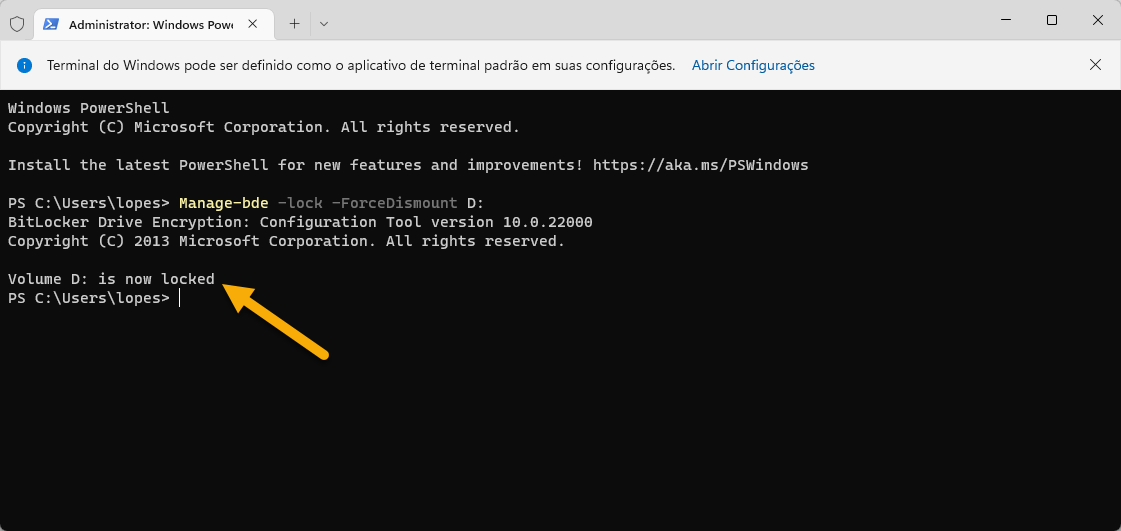
Open the command prompt as administrator and run the following command (don’t forget to change, if needed, the driver letter).
Manage-bde -lock -ForceDismount D: